Are the tools free?
Yes. Every tool is free to use, with no account and no limits on the number of files.

Small tools for the everyday jobs of restoration field work: check a KML before it goes to Verra, test your phone's GPS, convert UTM to latitude and longitude, see where geotagged photos were taken, turn iPhone HEIC photos into JPEG, and convert map files between KML, KMZ, Shapefile, GeoJSON and WKT. Each one runs in your browser, so your files never leave your device.

Yes. Every tool is free to use, with no account and no limits on the number of files.
No. All tools run locally in your browser. Photos, coordinates and shapes are never uploaded to our servers.
Yes. They are built for restoration practitioners, around real field work: GPS positions, field photos and map data. The GPS Accuracy Test runs on your phone and can be installed like an app.
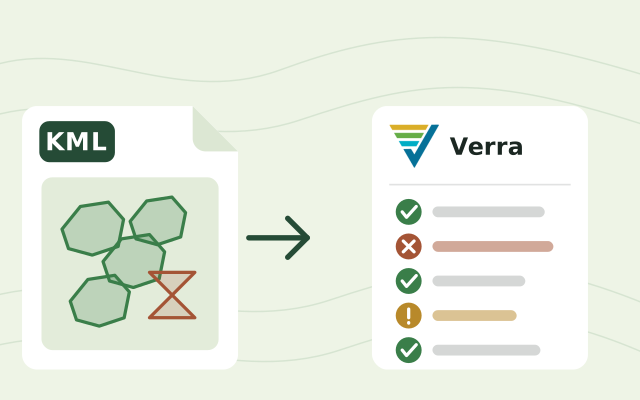
Under version 5.0 of Verra's geolocation file requirements, a project submits a KML or KMZ file (unless its methodology says otherwise) in WGS84 decimal degrees. It holds the project area with each project activity instance in named folders, plus project geodata, eligibility areas for grouped projects and land-rights areas where they apply. Each instance carries its ID, activity and implementation date; a point instance gives its coordinates, and a polygon gives its centroid and area in hectares. Shapes must be valid: no self-crossing outlines, overlaps or duplicates. The file goes in at registration, and an updated one at verification or crediting period renewal when instances or geodata are added, removed or reshaped, earlier information is corrected, or land-rights areas change. Always read Verra's own document for the full rules.
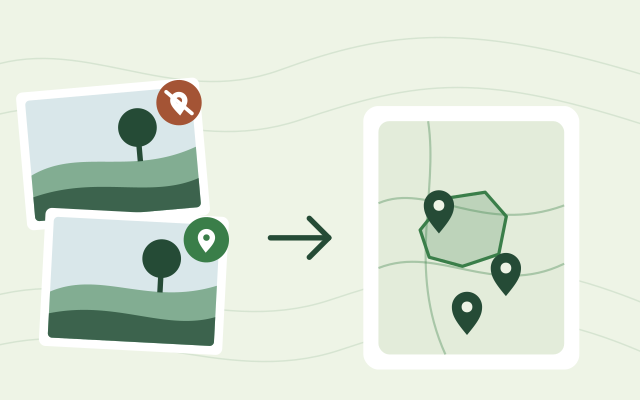
Most phones and cameras save the GPS position inside each photo, in its EXIF data. Drop the photos on the Geotagged Photo Map and each one appears as a pin where it was taken, with its coordinates and GPS accuracy.
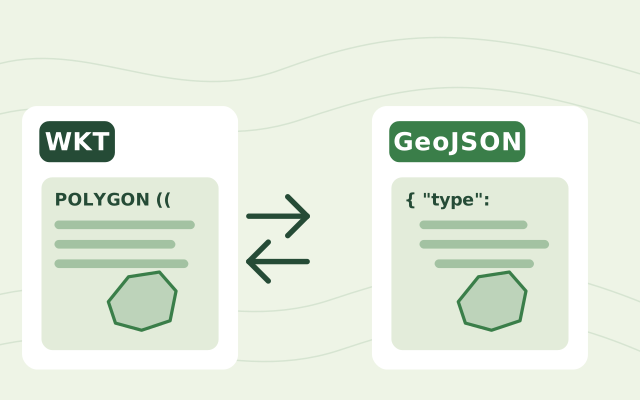
Both describe shapes such as points, lines and polygons. WKT (Well-Known Text) is a compact text format used by databases like PostGIS and by spreadsheets and exports. GeoJSON is a JSON format used by web maps and most mapping libraries. The coordinates are the same; only the wrapping differs.
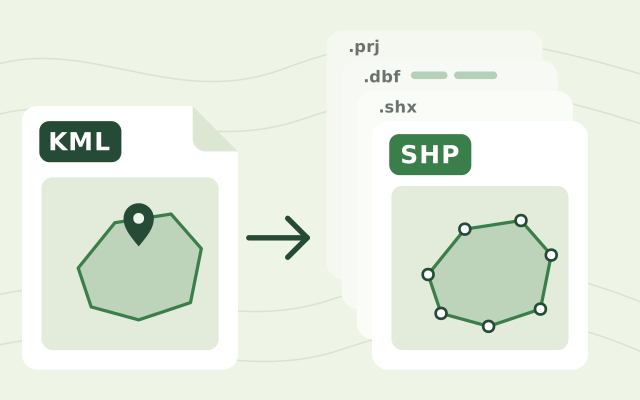
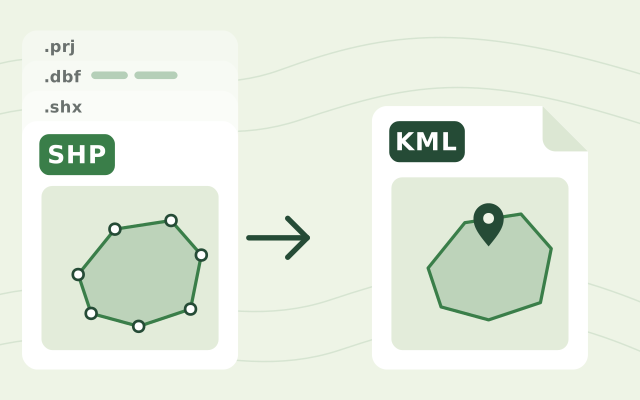
Drop the KML file on the KML to Shapefile Converter, check the shapes on the map, then download the zip. Unzip it and open the .shp file in QGIS or ArcGIS; keep the other files beside it, because together they make up the shapefile.
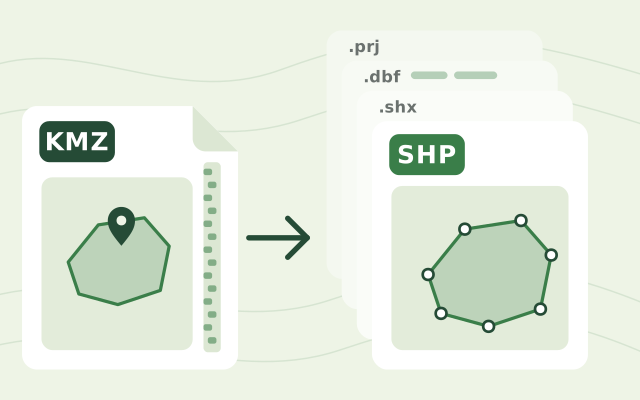
A KMZ is a zipped KML. It usually holds one main KML file, often doc.kml, plus any images or icons it uses. The converter reads that main KML; images and icons are not part of a shapefile.
The .shp file holds the shapes and is required. Add the .dbf to keep the attributes and the .prj so the converter knows the coordinate system. A zip with all of them works too.
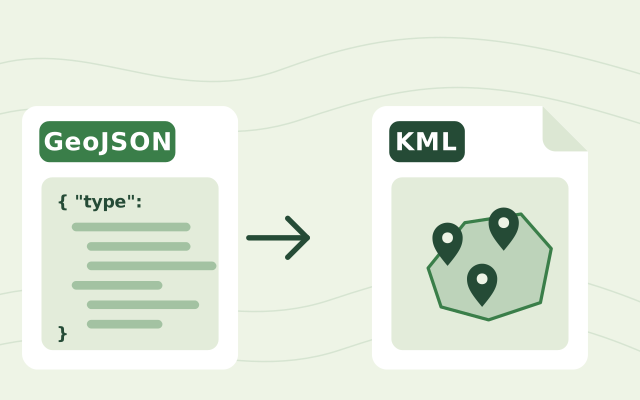
Drop the GeoJSON file on the GeoJSON to KML Converter, check the shapes on the map and download the KML. It opens in Google Earth.
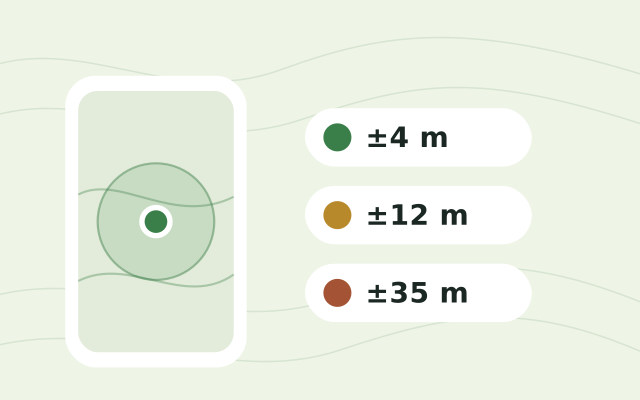
Under open sky most phones reach 3 to 5 metres. Under tree cover, near buildings or right after switching on it can be 10 to 30 metres or worse. The GPS Accuracy Test shows your live accuracy and how it changes, so you can wait until it settles before recording field data.
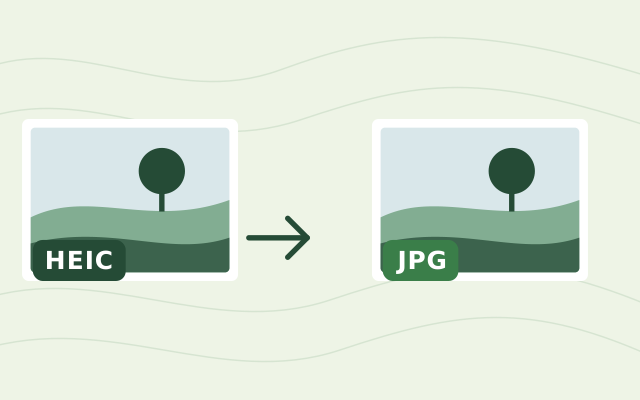
Drop the photos on the HEIC to JPEG Converter. The conversion runs inside your browser, so the photos never leave your computer, and you can download them one by one or all at once.
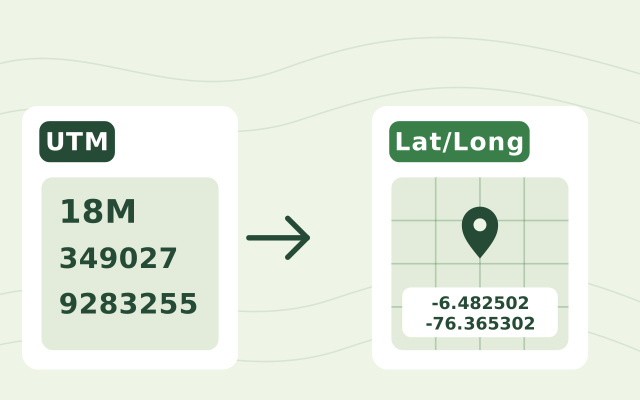
You need the zone number, the hemisphere or latitude band letter, the easting and the northing, for example 17T 630084 4833438. Paste them into the UTM to Lat/Long Converter and it shows the latitude and longitude in decimal degrees and in degrees-minutes-seconds, with the point on a map.
Bring in the spreadsheets, field forms and maps you already use, and see every site in one place.