Keep filling in the same forms and spreadsheets.
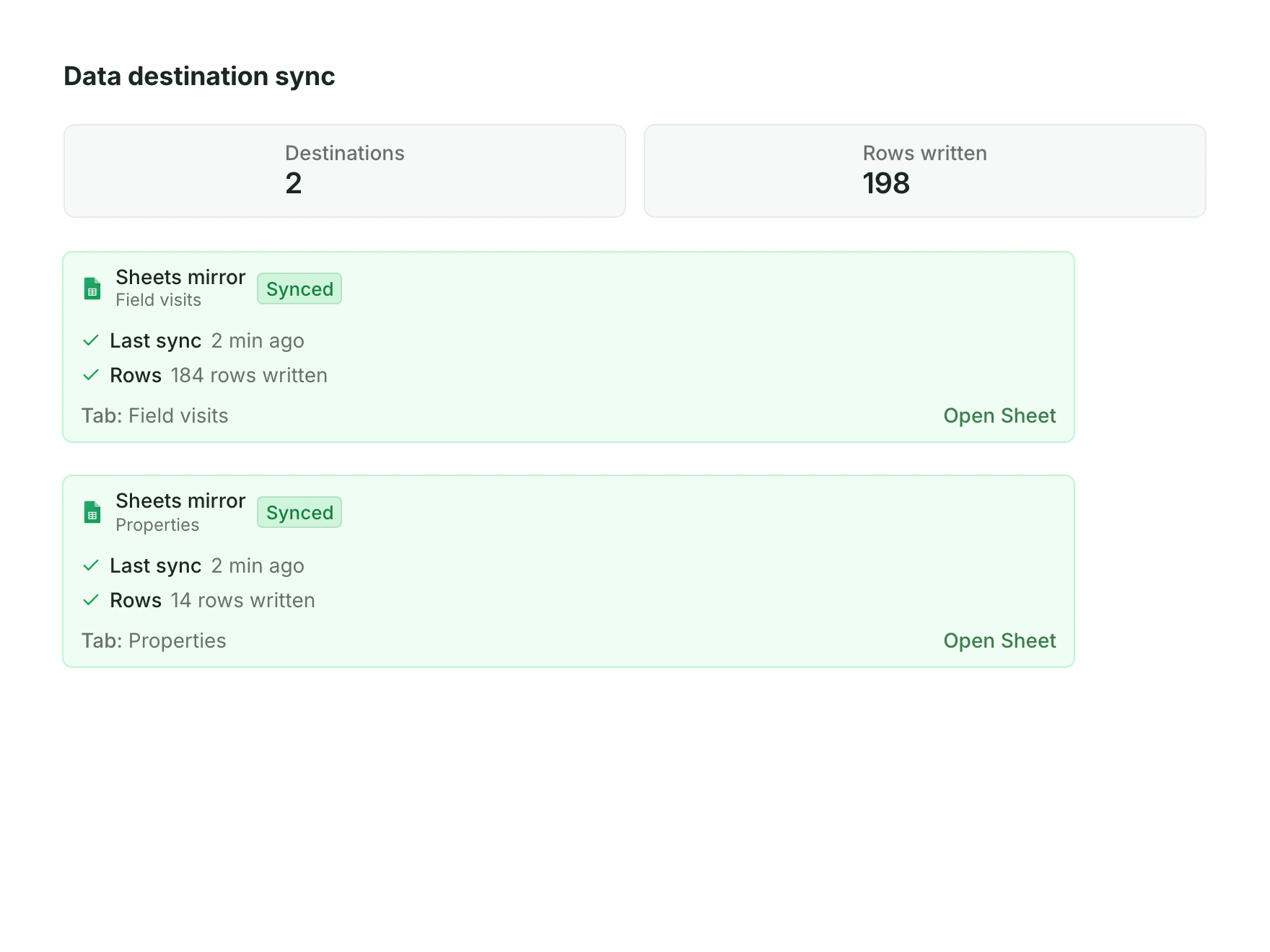
Data comes in once, on a schedule or as it changes, depending on the source. Nobody copies rows by hand.
Explore spreadsheet syncKeep your tools. We connect the spreadsheets, survey forms, GIS files and photos your team already makes, and turn them into the properties, owners and plots you manage, linked to the map.
Browse data connections Excel
Excel Google Drive
 Kobo
KoboYour tools, the Field App and the edits your team makes in the App Platform all feed the same project. From there, records go back to the tools people already read, such as Google Sheets and Airtable.
 Google SheetsExcelKobo
 AirtableGoogle SheetsAirtable
 SalesforceWhen a project needs it
Data comes in once, on a schedule or as it changes, depending on the source. Nobody copies rows by hand.
Explore spreadsheet sync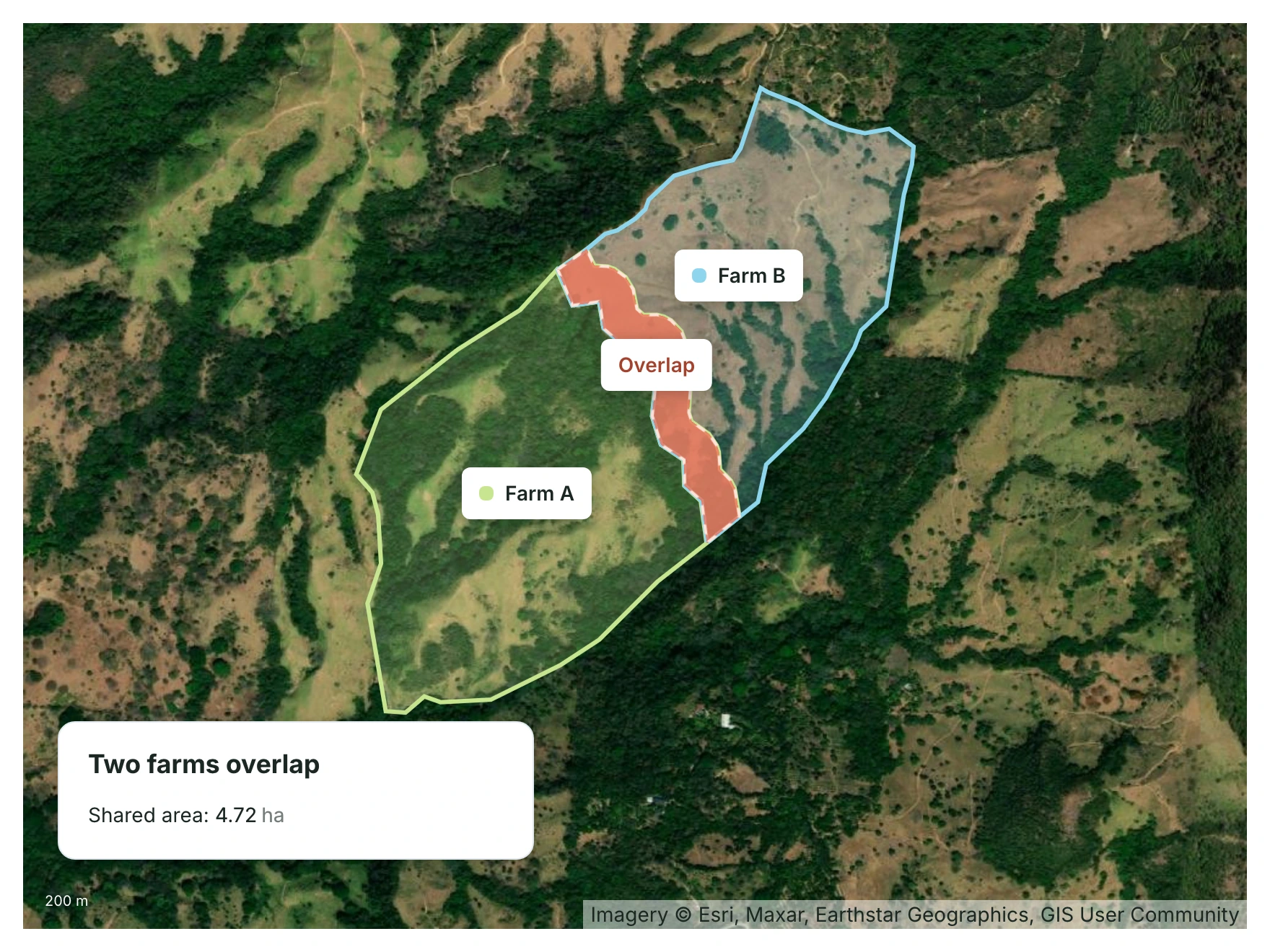
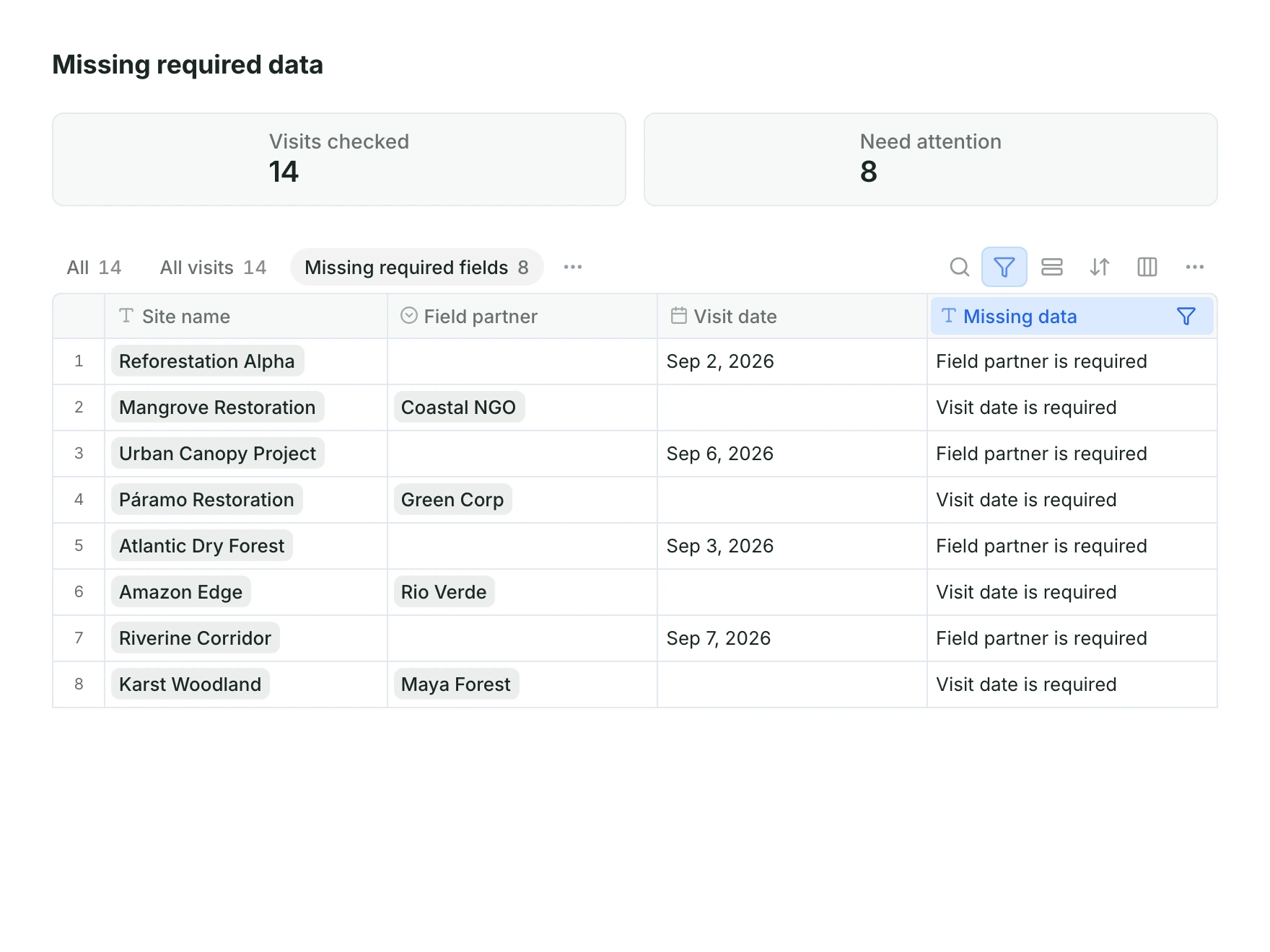
Checks we set up with you flag a missing field, overlapping boundaries or a tree outside its farm, in one list, early enough to go back to the field.
Explore quality checksColumns become fields, files become boundaries, photos and forms attach to their records. Your team’s methods run on the same data, on demand or automatically, and the results attach to the record.
Explore geospatial workflowsCustomized Geospatial workflow
Canopy height > 3 m
The numbers you share with funders come from the same place.
Plan and review the work in boards, tables, maps and dashboards.
Explore the App PlatformCarry the same records into the field, with or without signal.
Explore the Field AppRun your team’s methods on the same boundaries.
Explore GeospatialSpreadsheets, survey forms, GIS files and photos: Google Sheets, Excel, Airtable, Kobo, shapefiles, GeoJSON, KML and GeoTIFF, drone imagery, and databases such as Postgres and BigQuery.
No. Your team keeps filling in the same forms and spreadsheets. Data comes in on a schedule or as it changes, and records can go back to a Google Sheet.
No. Files do not need to be tidy first. We set up the connections and the processing with you, and quality checks flag what needs fixing.
Yes. Drag and drop a file for a one-time import, or connect a source for scheduled or real-time sync where it is supported.
Bring in the spreadsheets, field forms and maps you already use, and see every site in one place.