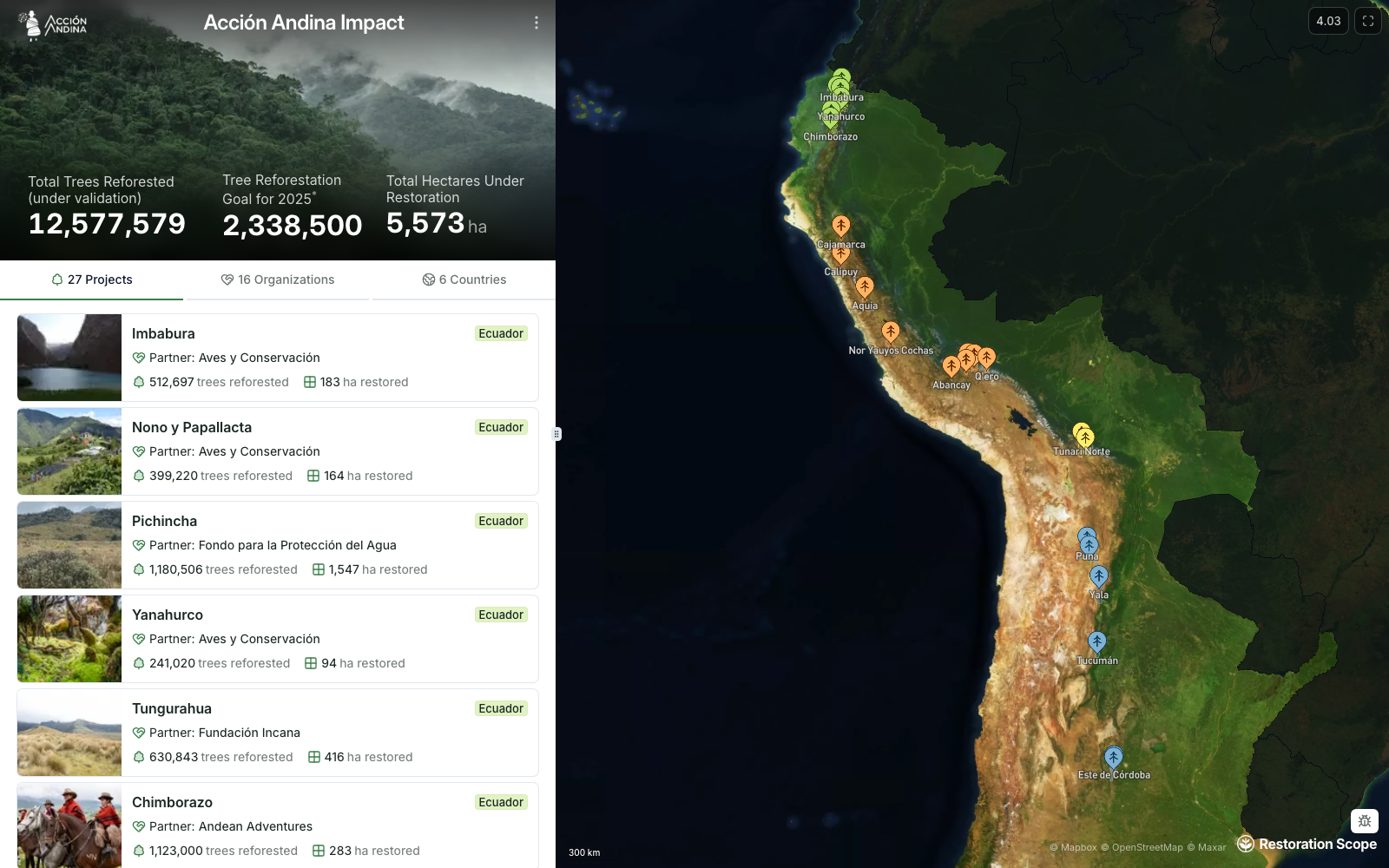
Put funded projects in context.
Organize the portfolio by project, location and funding relationship. Bring maps, project information and updates into a view that helps partners understand where the work happens.
See the work behind the funding. Give donors, investors and corporate partners a view of the projects they support. Connect project maps and progress with the records produced by the teams doing the work.
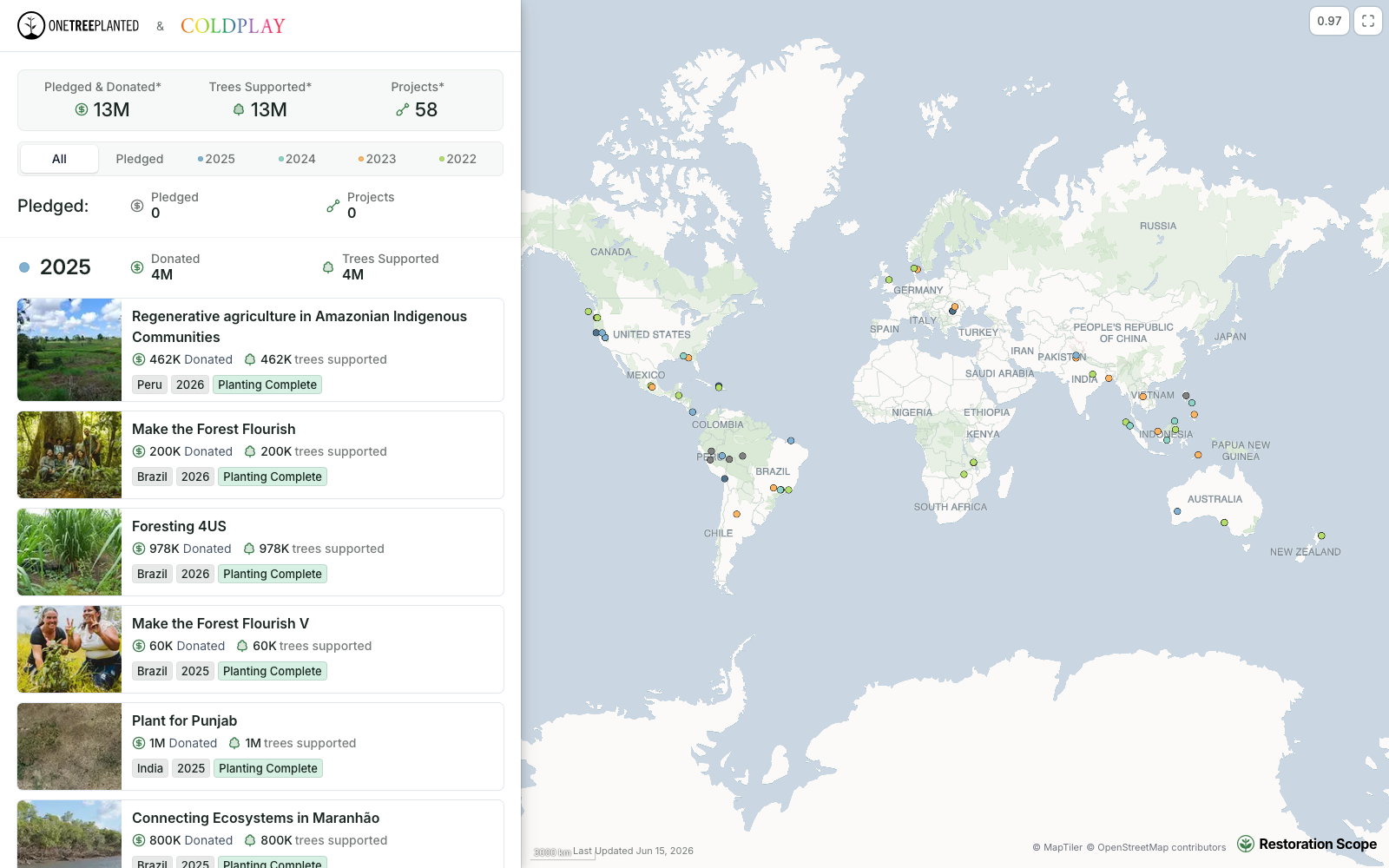



Make funded work visible without exposing every internal detail.
Organize the portfolio by project, location and funding relationship. Bring maps, project information and updates into a view that helps partners understand where the work happens.
 Salesforce
 Airtable
 Google Sheets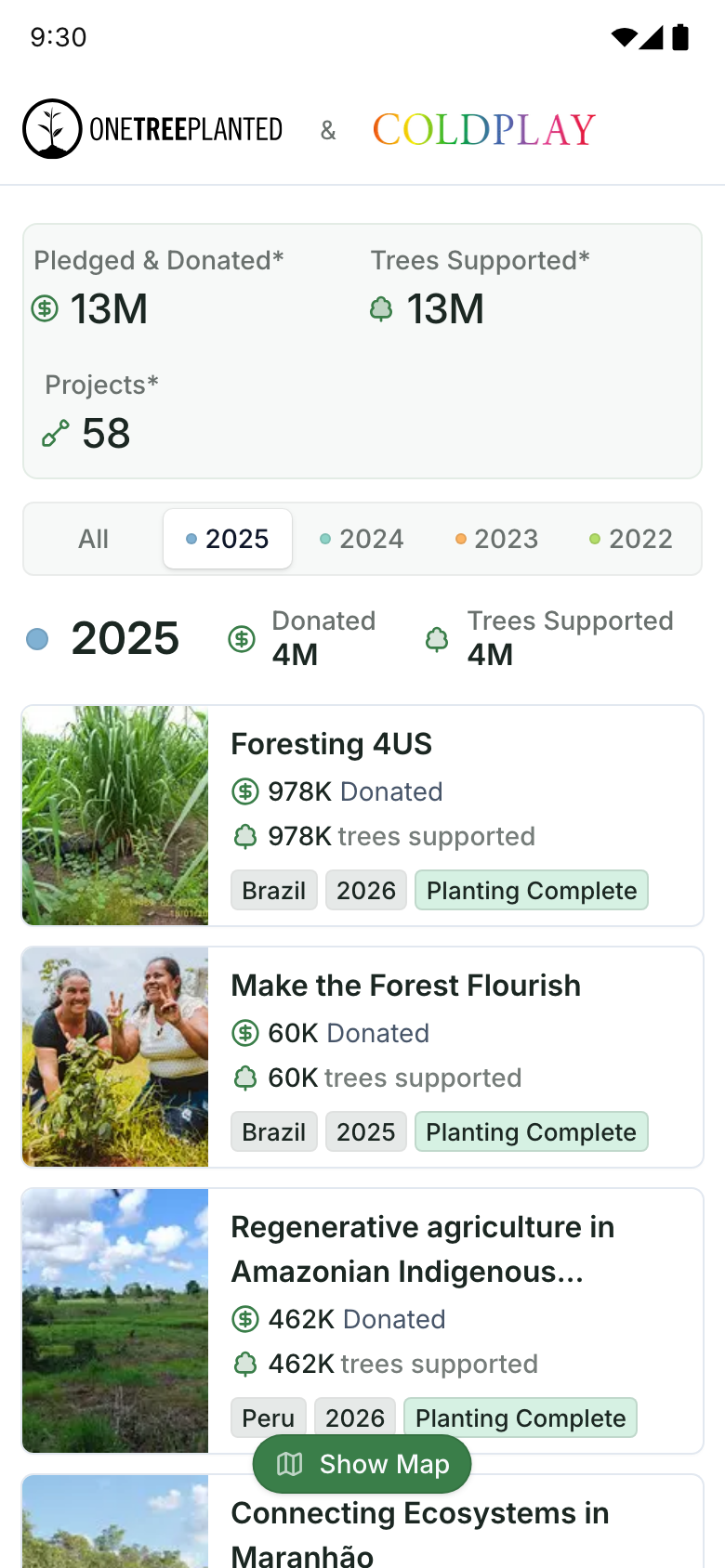
Donations live in Salesforce, projects in Airtable, field updates in a spreadsheet. Restoration Scope brings them into one portal, so supporters see what the records say. No report to assemble.
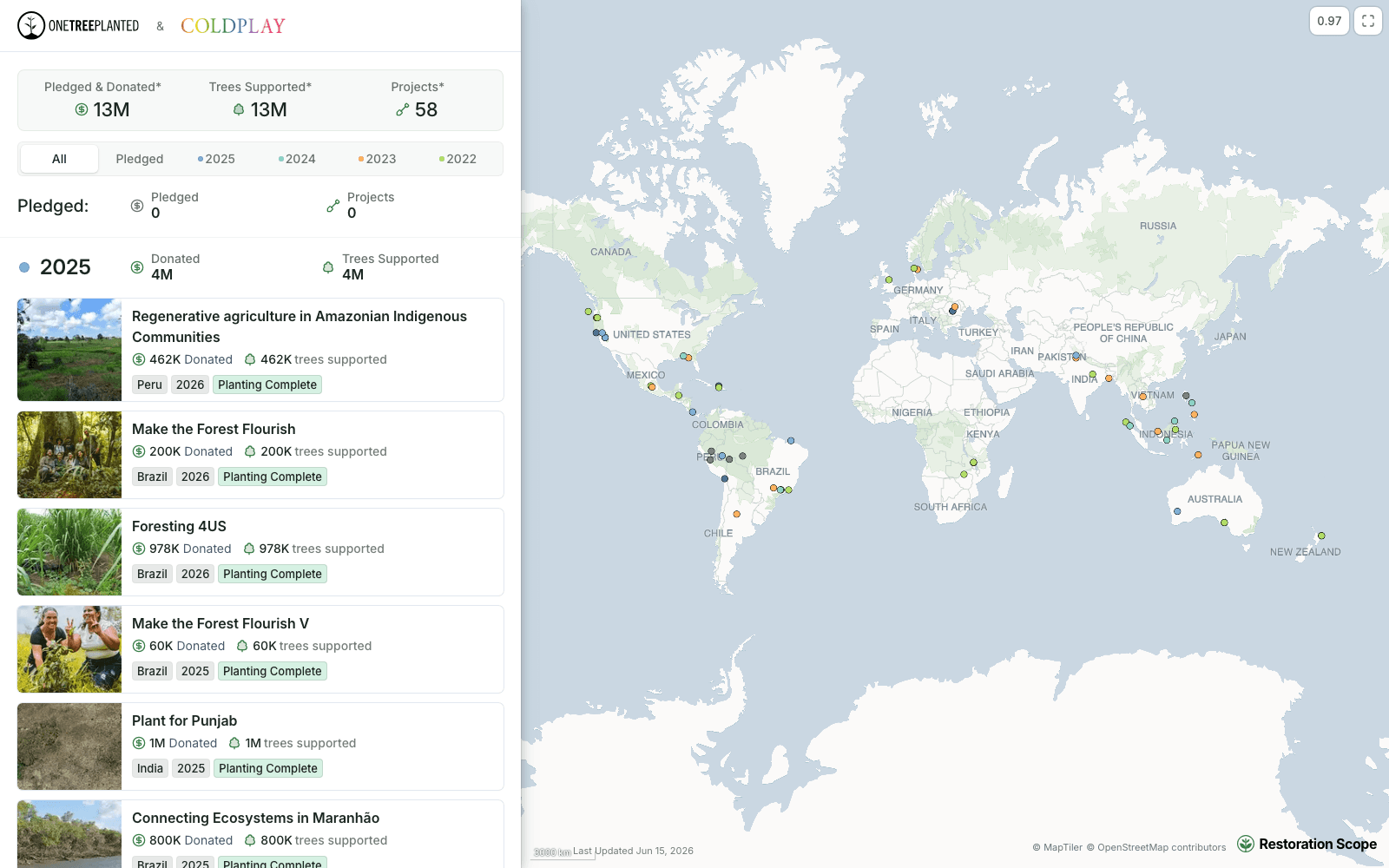
One Tree Planted gives each donor a portal under both names: what they gave, the trees it supports and each project’s status, year by year. Coldplay’s is public; the others stay private to each donor.
Open Coldplay’s portalConnect the tools, field records and geospatial sources your team already uses.
 Read the case study
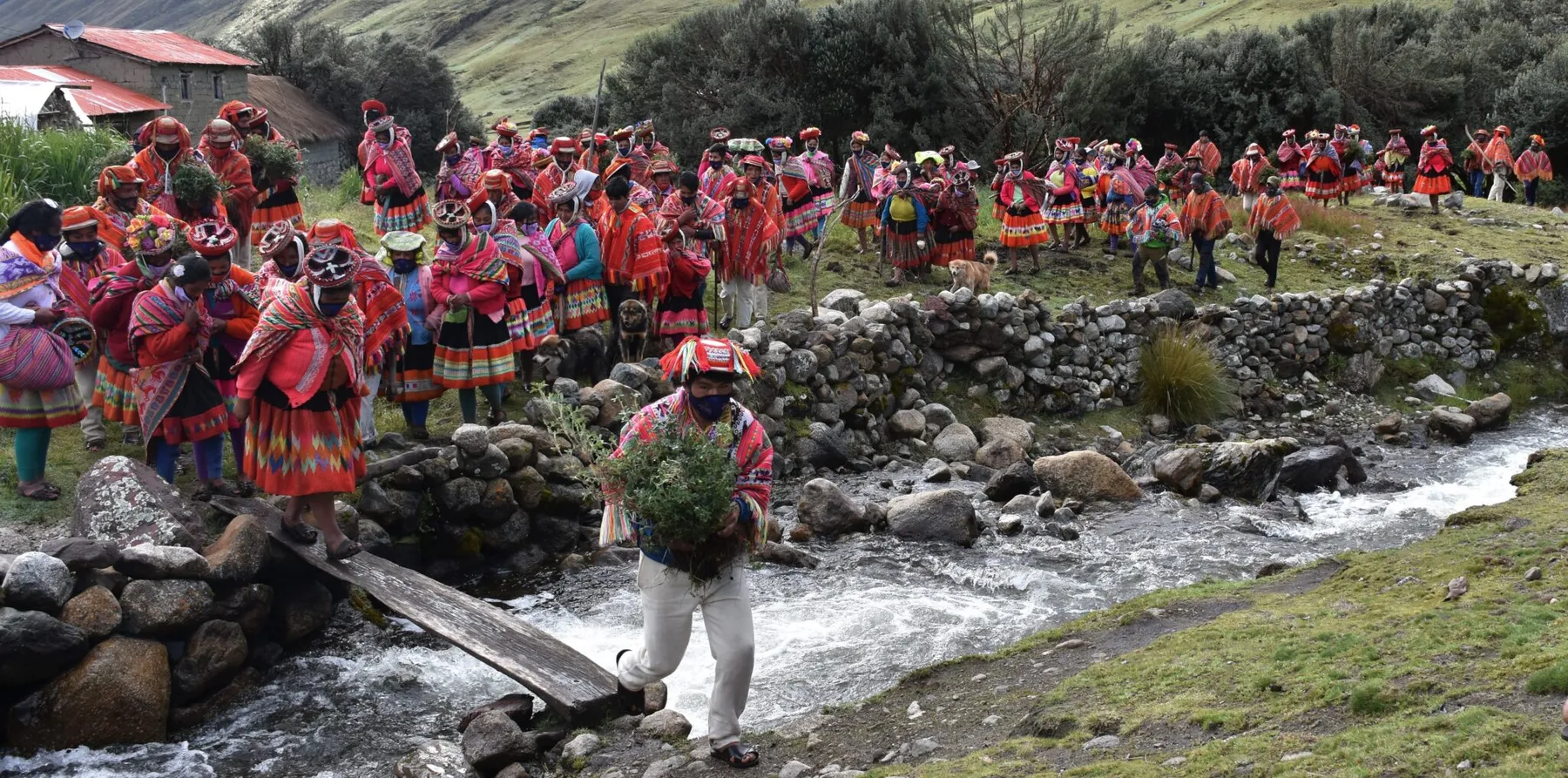
 Acción Andina works from one central record across six Andean countries. Funders see that same data, with no report to prepare.
 Visit website
 One Tree Planted gives every donor their own portal, built on the records that run its work. Those portals support $48M in donations so far.
Yes. A portal can be configured around the projects and records relevant to each donor or partner.
No. Access is configured for each audience. Public views can show selected information without exposing internal records.
They come from project records and connected data sources. Your team decides which information to collect, review and share.
Updated
Bring in the spreadsheets, field forms and maps you already use, and see every site in one place.
