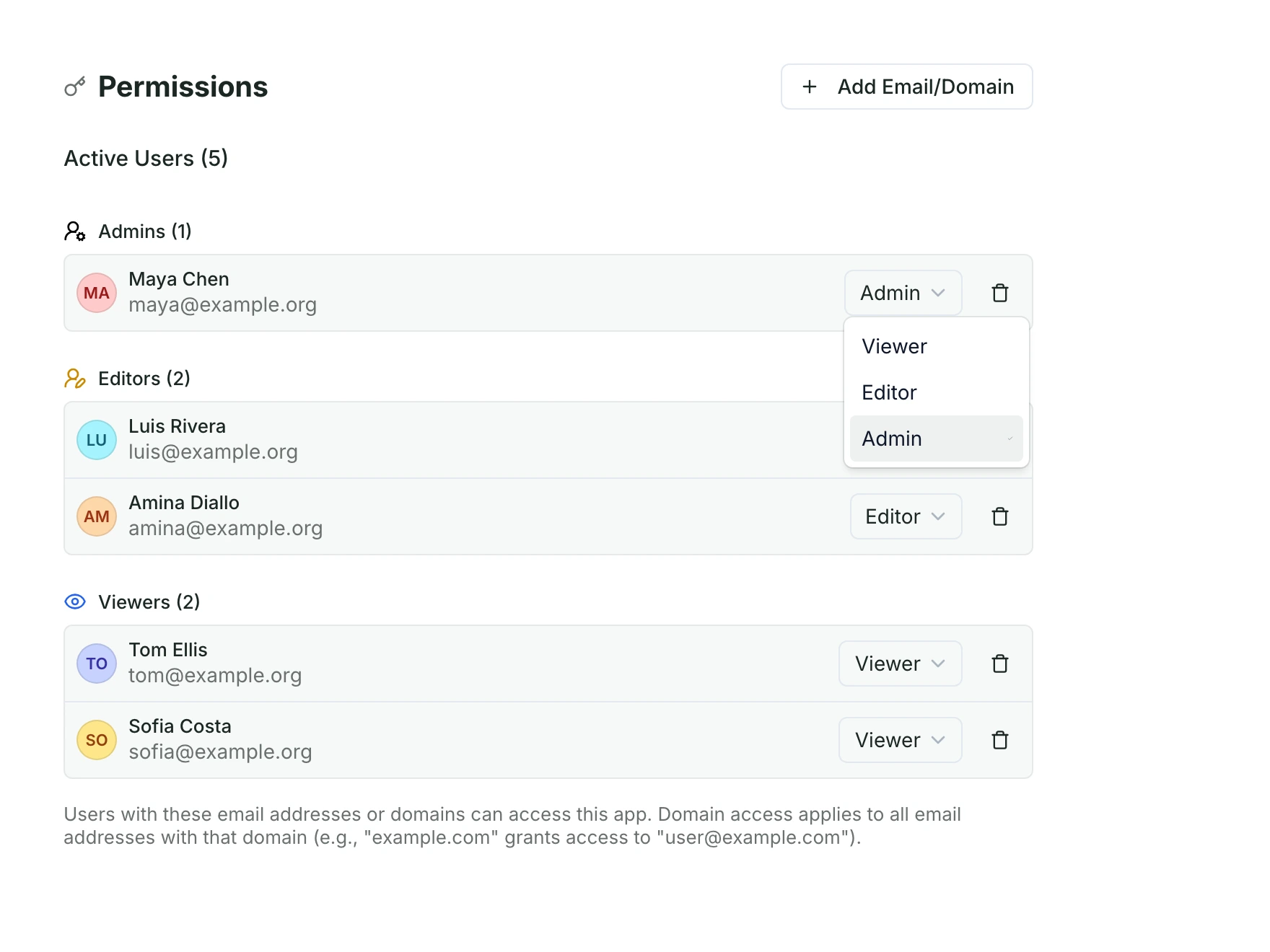
Invite your team.
Add people as admins, editors or viewers, one by one or for a whole email domain.
Your records and your map in one app, set up around how your project runs. Each team opens the view it needs.
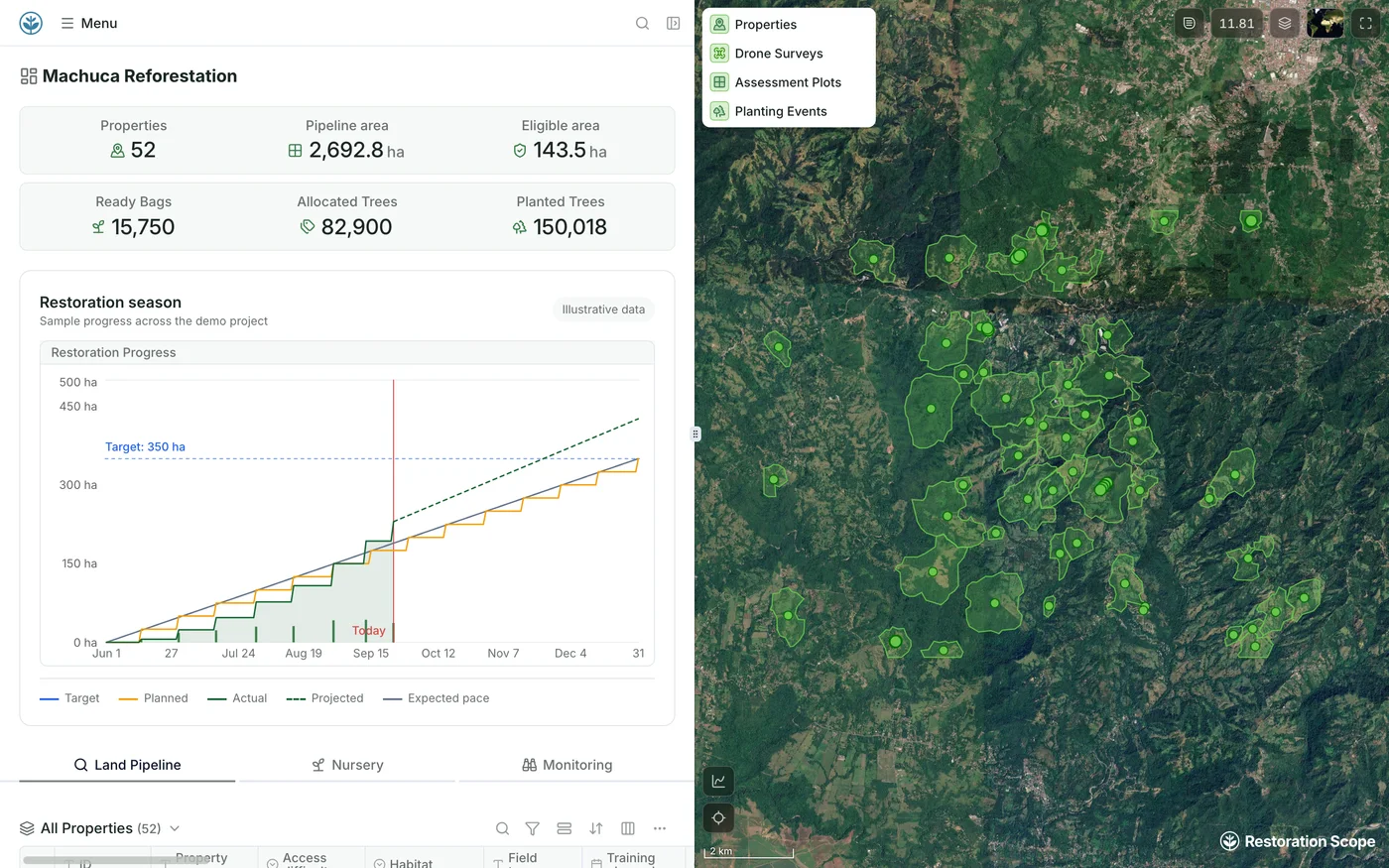
Data and maps side by side. We configure the blocks and layers around your project, and both read the same records.
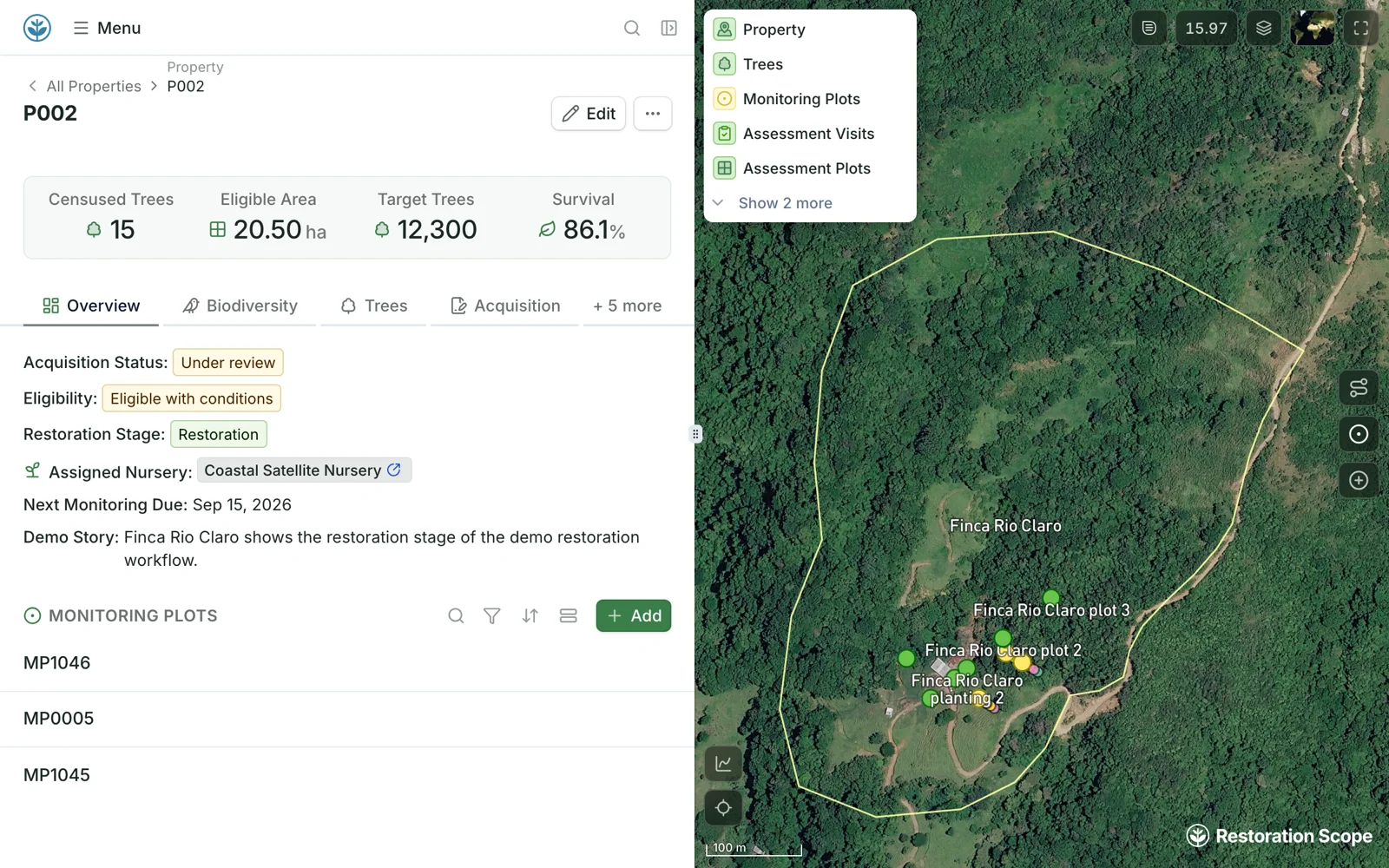
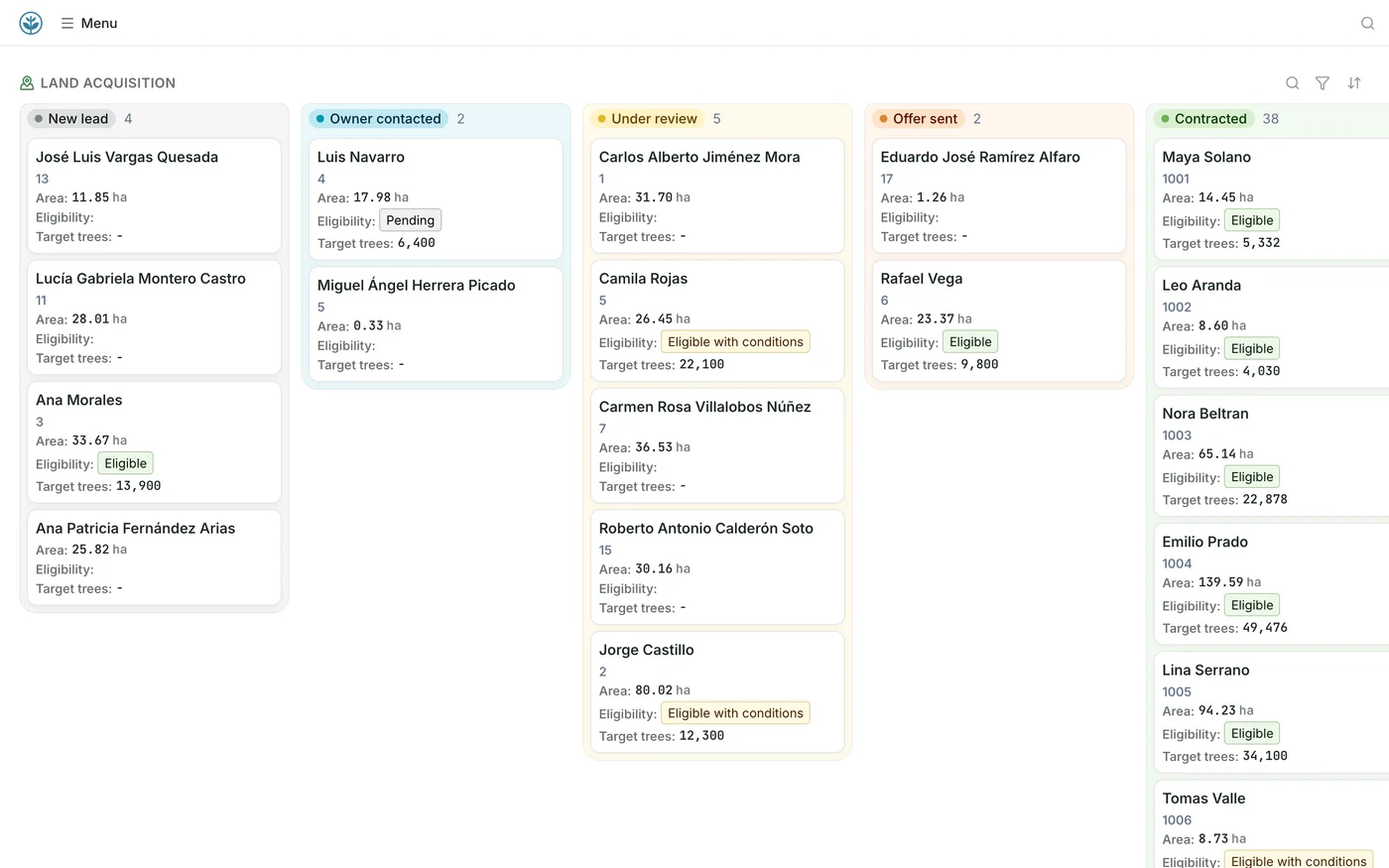
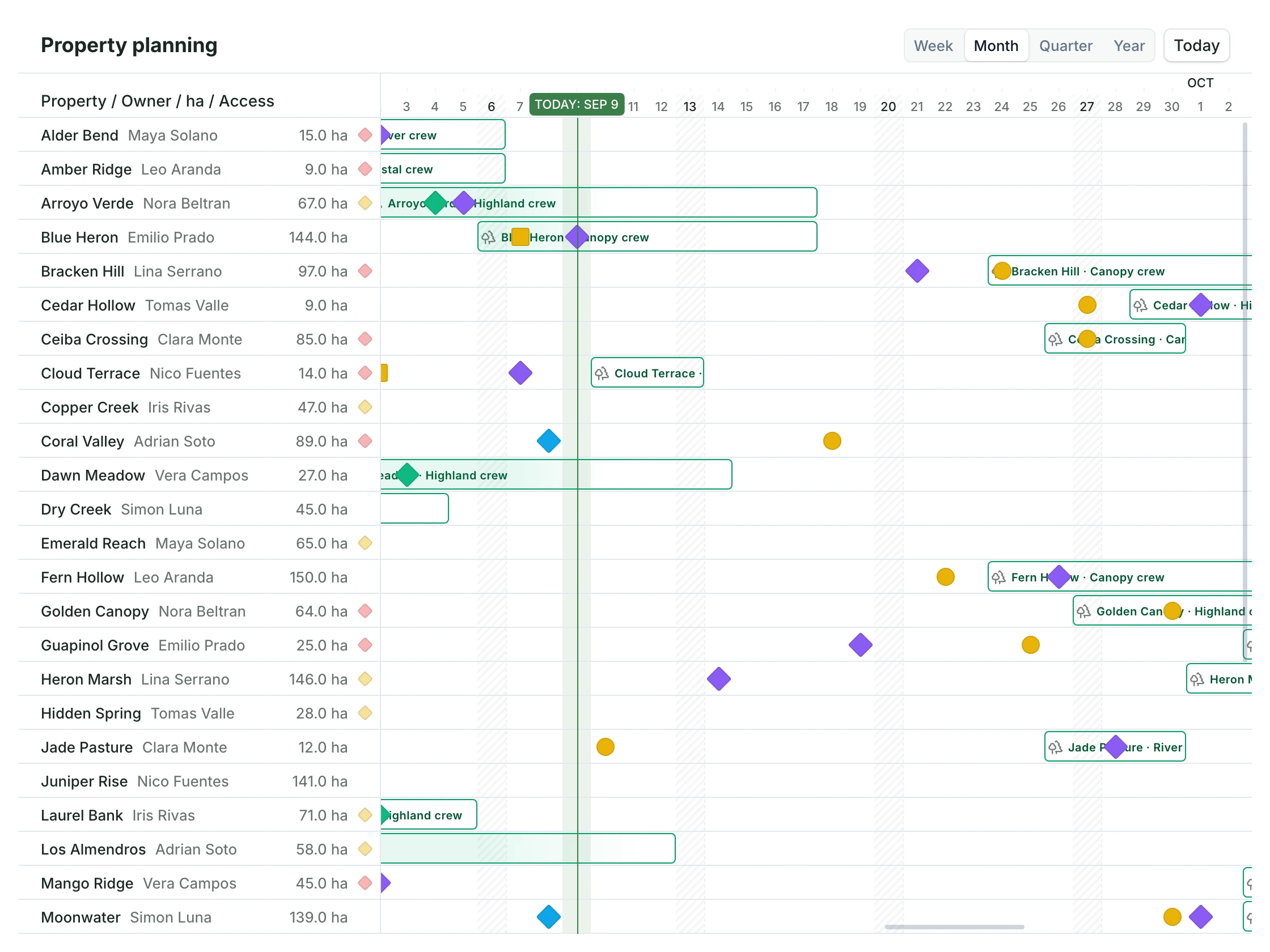
The same properties can be a table beside the map, a board, a schedule or a dashboard. Each team works in the view that fits its job.
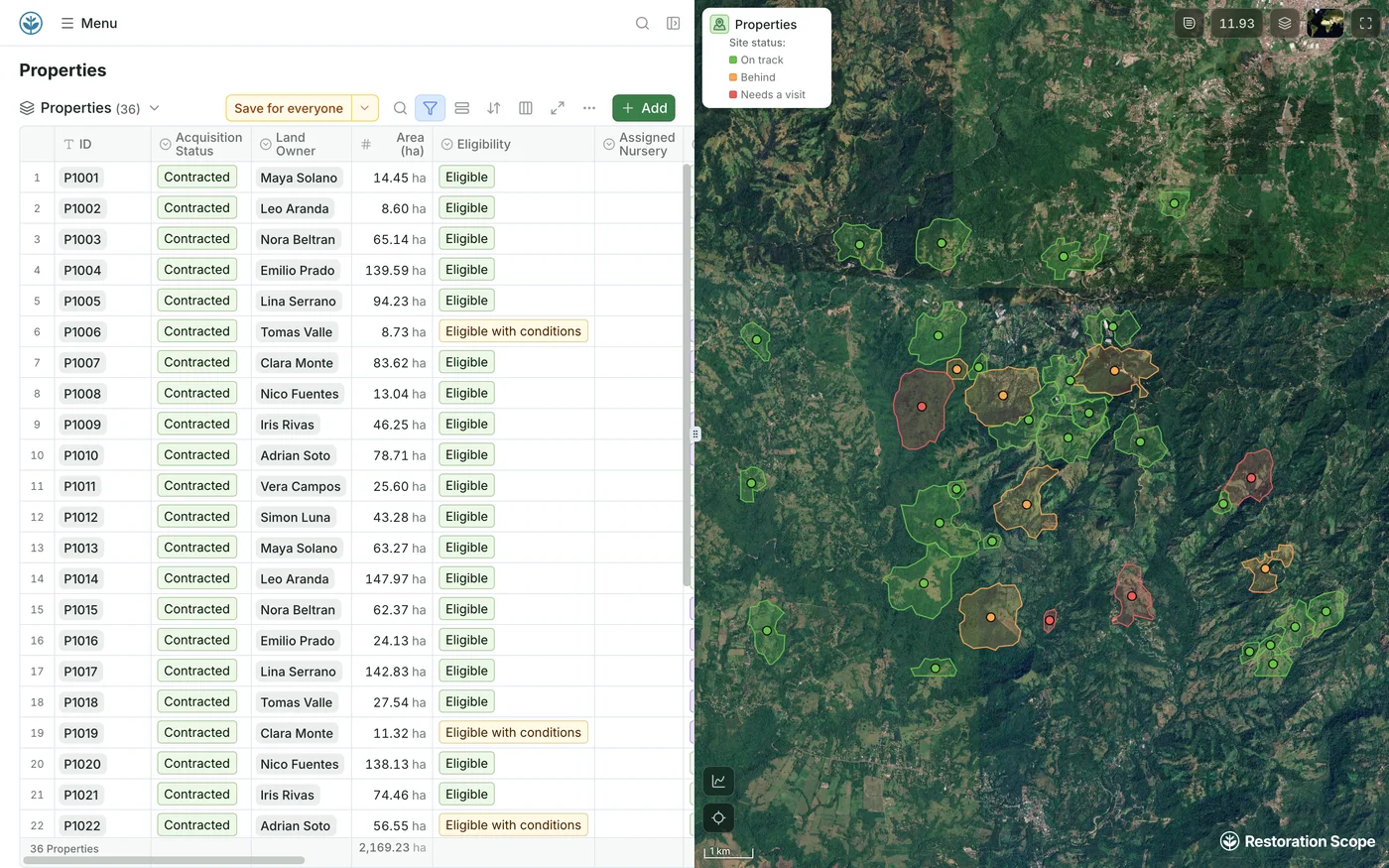
Every property in a table, beside its boundary on the map, coloured by site status.
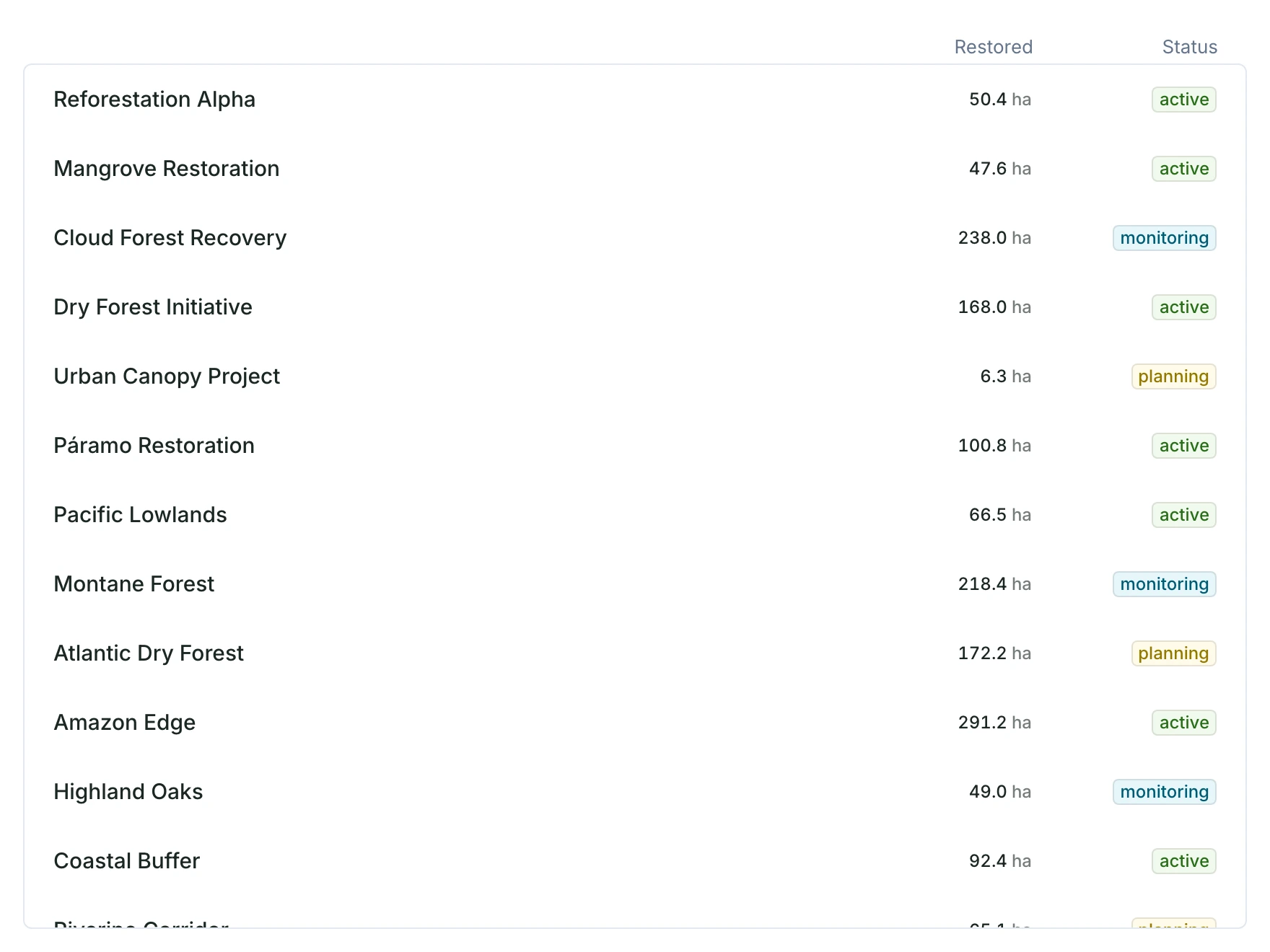
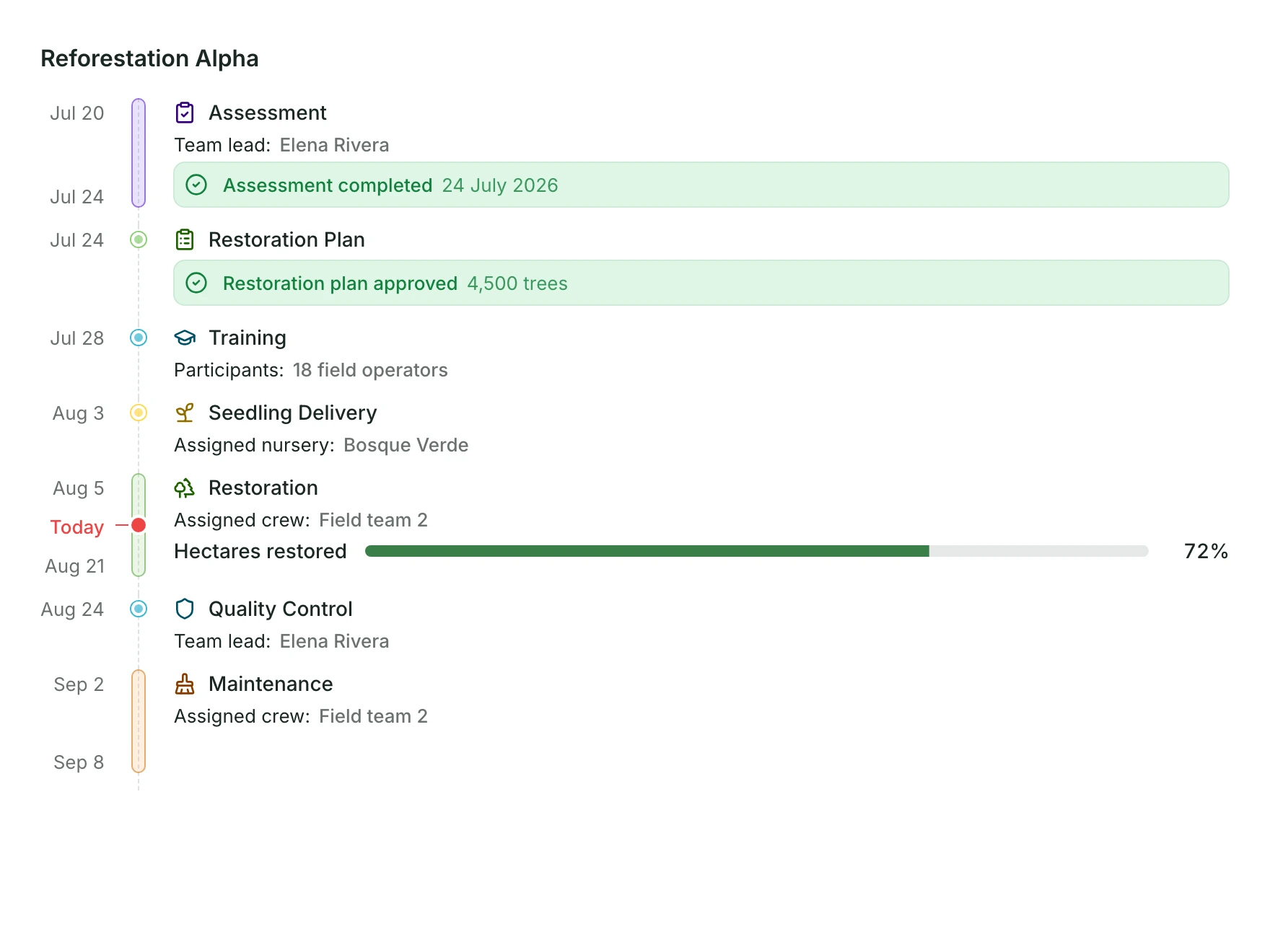
The same tools sit above every view, so each team narrows the records to the ones it needs.
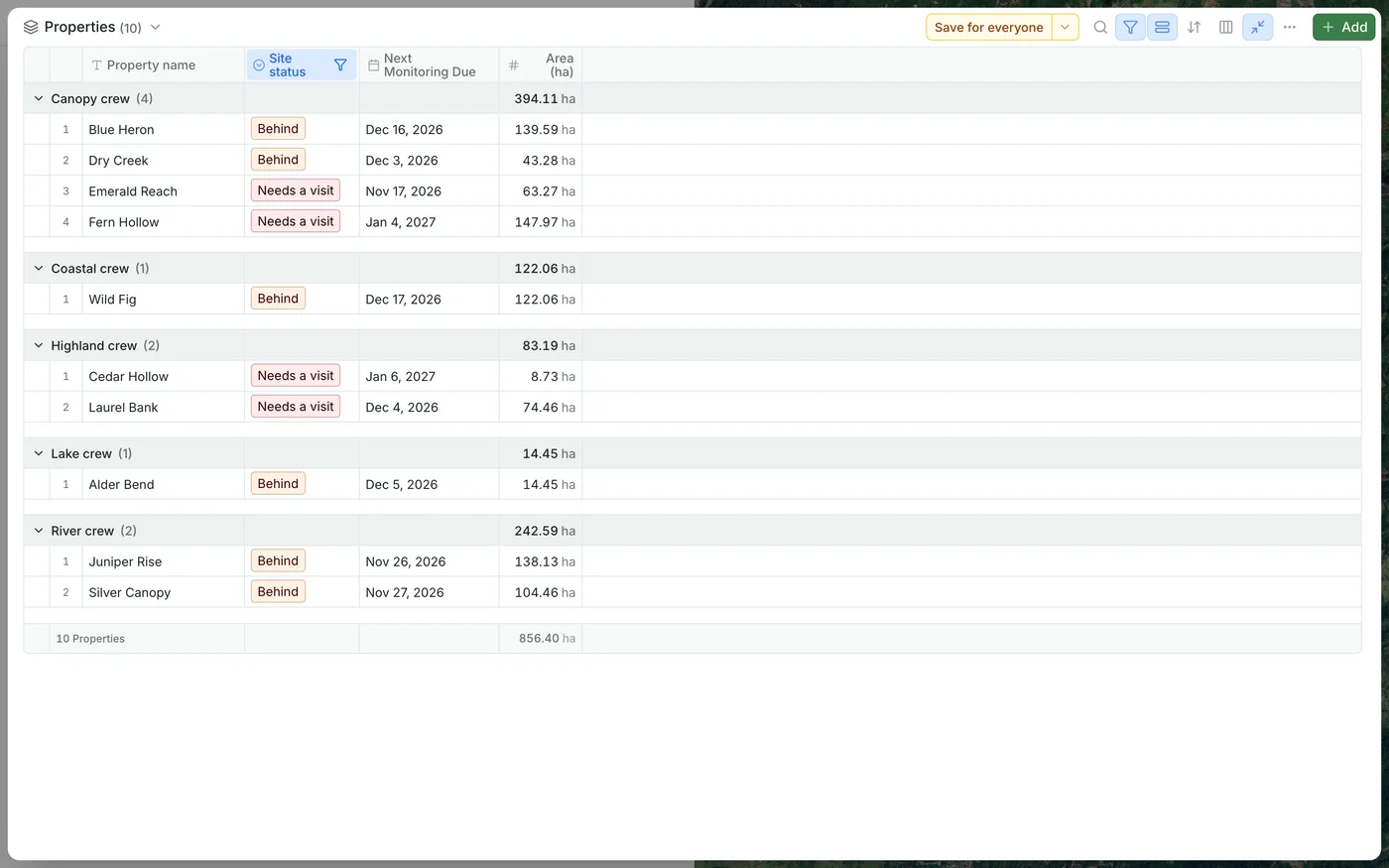
Type to find a record.
Show only the records that match, such as properties that need a visit.
Gather records by a field, such as field crew or stage.
Order records by any field.
Choose which fields a table shows, and in which order.
Download what you see as a spreadsheet or map file.
Choose who sees what. Operational details stay with your team while a public page shows the records you choose.
Add people as admins, editors or viewers, one by one or for a whole email domain.
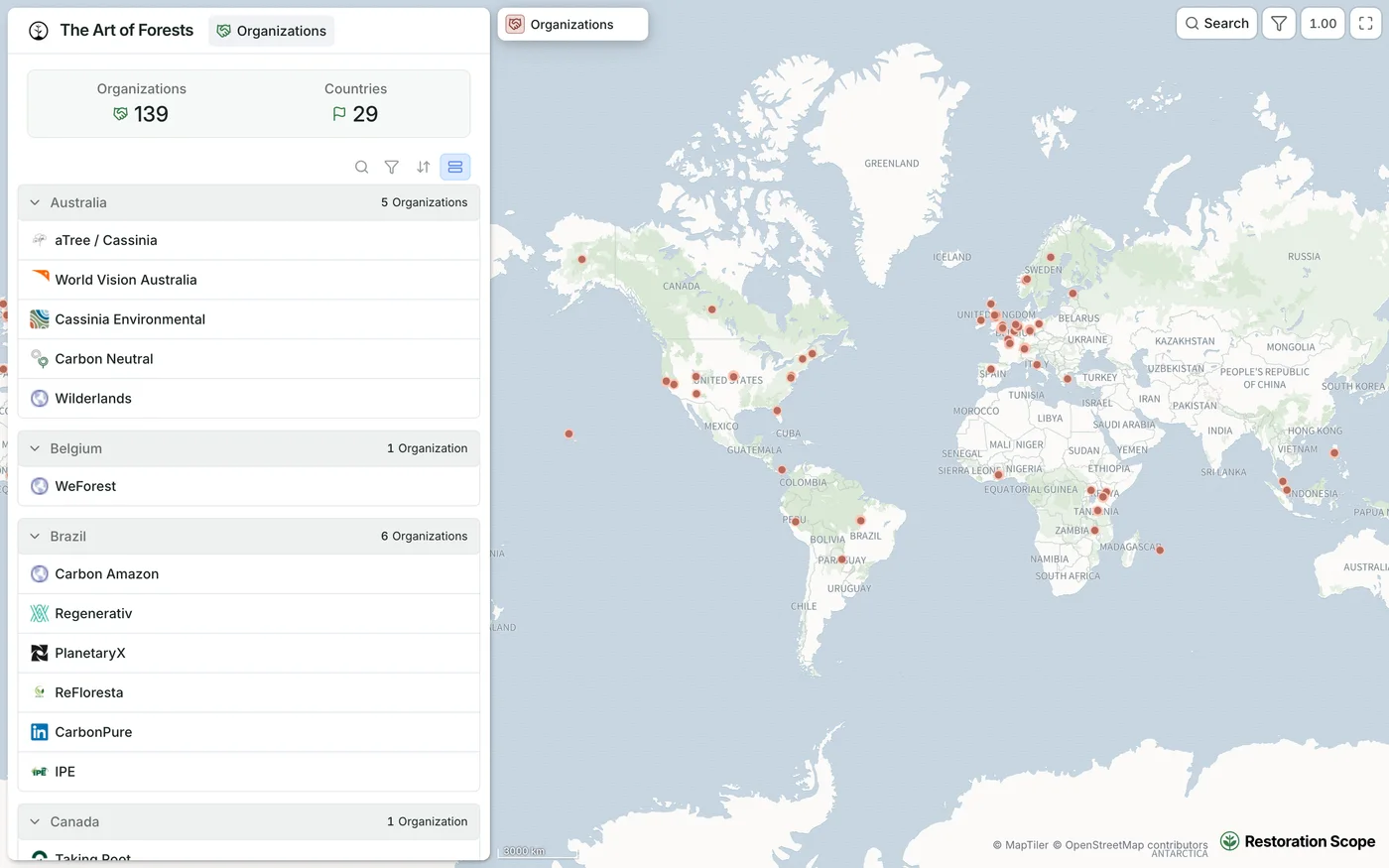
A public page shows selected records on the map, with no sign-in. The Art of Forests publishes its members map and directory this way.
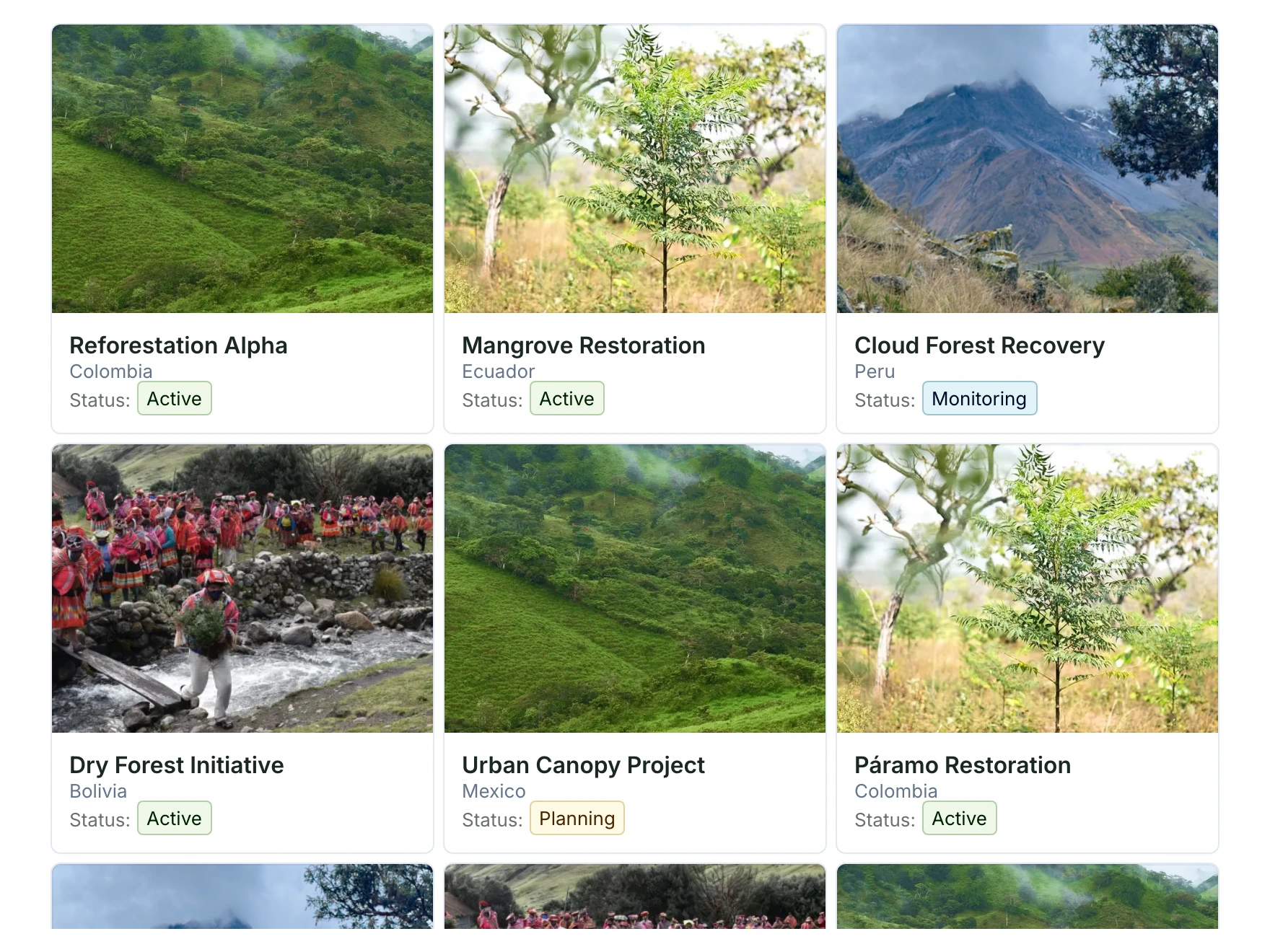
See public projectsTables, lists, galleries, kanban boards, planning and history timelines, maps and dashboards, configured around what each team needs to see and do.
Yes. Properties move through workflow stages on a board, and the property pipeline shows how many sit at each stage, from first contact to signed contract.
Yes. The same application can be internal or public: public views show selected records while operational information stays restricted.
We configure it with your team: the records, workflow stages, maps, permissions and data connections around the way your project runs.
Bring in the spreadsheets, field forms and maps you already use, and see every site in one place.